

Introduction – A Simple Way to Outsmart Email Scams
Phishing emails are still the number one-way cybercriminals break into businesses. They look like ordinary emails, but behind them are scams designed to steal money, data, or logins. For small businesses, local governments, and financial organizations, a single click on the wrong link can lead to major headaches, downtime, and costly recovery.
That’s where the SLAM method comes in. It’s a simple, four-step checklist that anyone can use to quickly judge whether an email is safe. You don’t need to be “tech savvy” to use it—you just need to slow down, follow the steps, and trust what you see.
What Is the SLAM Method?
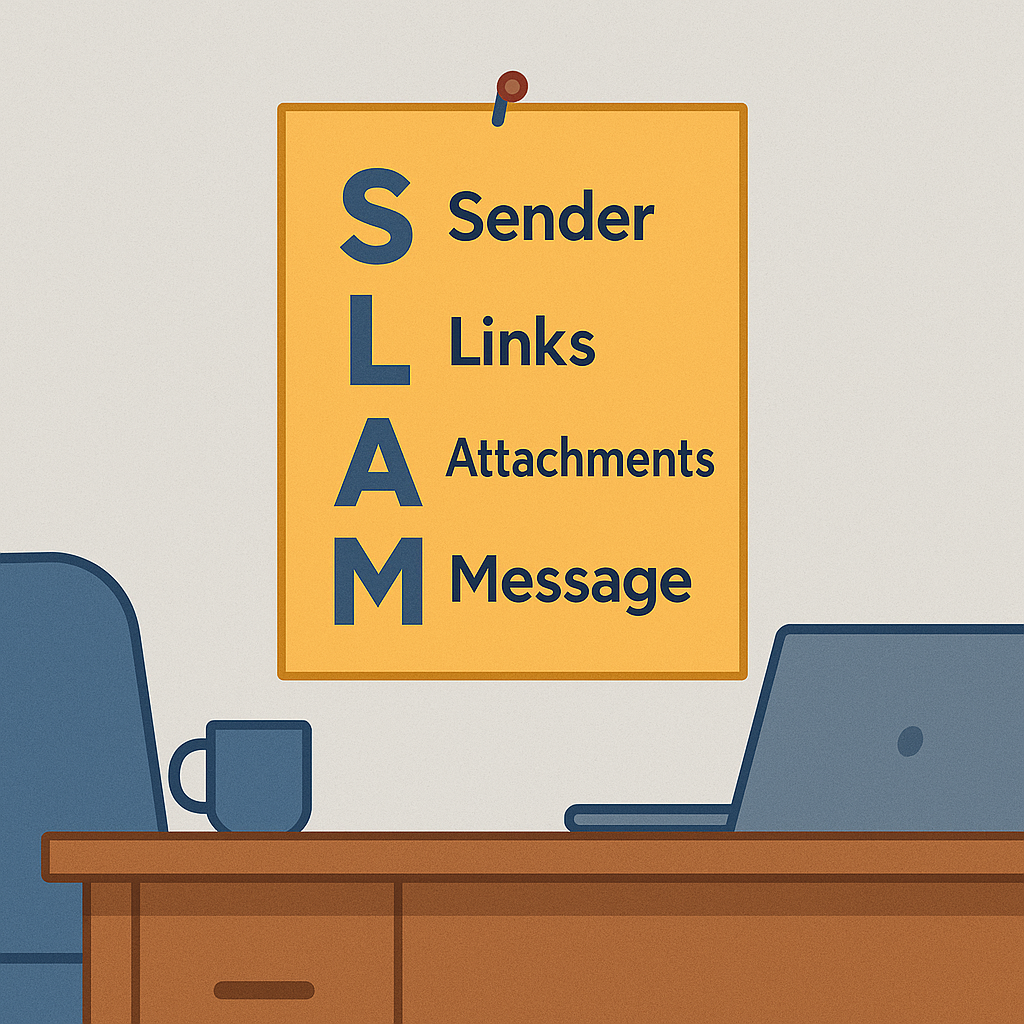
SLAM is an easy acronym that stands for:
– S = Sender
– L = Links
– A = Attachments
– M = Message
By taking a few seconds to check each of these areas, you’ll be able to catch most phishing emails before they do any harm. Let’s walk through each step.
S = Check the Sender
The first thing to check is who sent the email.
– Does the sender’s email address match the company they claim to represent?
– Look closely for small misspellings, like “micros0ft.com” instead of “microsoft.com.”
– If it’s from someone you know but seems unusual, verify it by phone or text before clicking anything.
A little attention to the sender can save a lot of trouble.
L = Hover Over Links
Next, check the links before you click.
– Hover your mouse over any link in the email. The real web address will pop up in the bottom corner of your screen.
– If the link doesn’t match the company’s official website, don’t click it.
– Be especially cautious of shortened links (like bit.ly) or addresses full of random letters and numbers.
If a link makes you pause, that’s your cue to stop.
A = Watch Attachments
Attachments are another common trick used in phishing emails.
– Never open a file you weren’t expecting—even if it looks like it’s from a co-worker.
– Dangerous files often come as .zip, .exe, or even Word and Excel documents that contain hidden malware.
– If you’re not sure, double-check with the sender before opening.
Remember: if you didn’t ask for it, don’t open it.
M = Read the Message Carefully
Finally, pay attention to the message itself.
– Is the tone threatening or urgent? Scammers often say things like “Your account will be shut down in 24 hours.”
– Are there grammar mistakes or awkward wording? Many phishing emails have poor spelling.
– Are they asking for sensitive information like passwords, bank details, or Social Security numbers? Legitimate companies won’t ask for that by email.
Trust your gut. If the email feels wrong, it probably is.
Why the SLAM Method Works
The SLAM method works because it forces you to slow down and think before reacting. Cybercriminals rely on speed and panic—they want you to click before you notice the red flags. With SLAM, you give yourself the time to spot the scam and shut it down.
And best of all, it’s simple enough for everyone to remember, whether you’re in accounting, customer service, or management.
Quick Action Plan if You Suspect a Phish
If you see something suspicious after going through SLAM, here’s what to do:
1. Don’t click anything—no links, no attachments.
2. Report the email to your IT department or manager right away.
3. Delete it from your inbox and your trash folder.
Conclusion – Make SLAM Part of Your Daily Routine
The more you practice SLAM, the more natural it becomes. Every time you get an email, run through the steps: Sender, Links, Attachments, Message. It only takes a few seconds, but it could save your business from a costly mistake.
At Cross Link Consulting, we help businesses build strong defenses with cybersecurity awareness training, business IT support, and managed IT services. If you want your team to feel confident spotting scams, we’d be glad to help you put SLAM into practice.