

Introduction: Why This Error Matters
Few things are more frustrating than seeing the dreaded “Page Cannot Be Displayed” error pop up when you’re trying to access a website. For businesses, this error can stall productivity, delay projects, and create unnecessary stress for employees who just want to get their work done. While the error looks simple, it can point to several underlying issues. The good news is, most of them are fixable—sometimes by you, and sometimes with the help of a trusted IT partner.
What the Error Actually Means
The “Page Cannot Be Displayed” message is a generic error shown by your web browser when it can’t load a website. But it doesn’t mean the page doesn’t exist. Instead, it means something is blocking your browser from successfully reaching it. That blockage could be happening on your end—like a weak internet connection—or on the website’s end, such as a server outage.
Most Common Causes
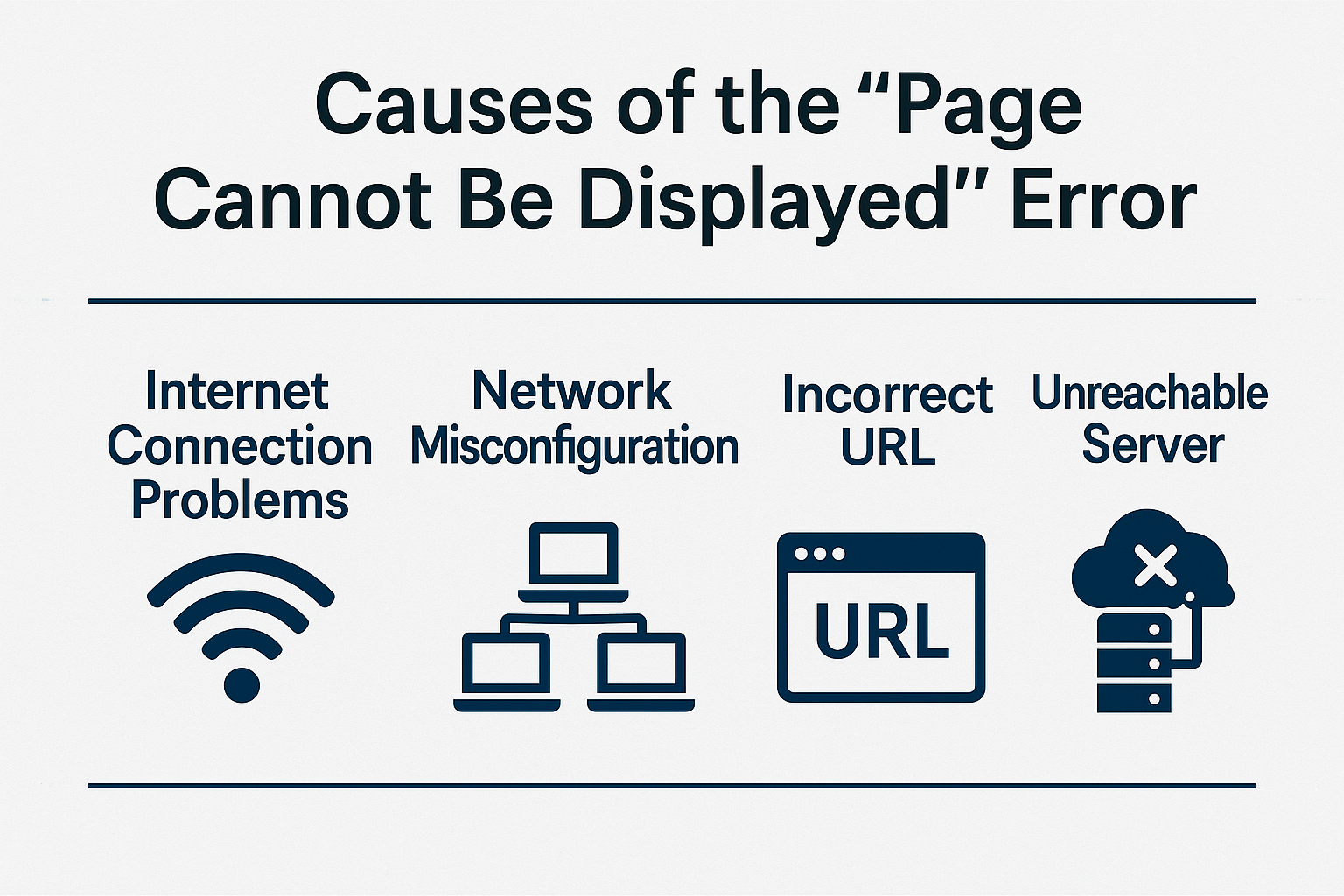
There are a handful of common reasons why you might run into this problem:
• Internet Connection Issues: Weak Wi-Fi signals, unplugged Ethernet cables, or modem/router problems.
• Browser Glitches: Outdated cache, temporary glitches, or incompatible browser versions.
• DNS or Server Problems: If the domain name system (DNS) can’t translate the web address properly, or if the site’s server is down, the page won’t load.
• Firewall, Antivirus, or Proxy Blocking: Security tools can sometimes be too aggressive, stopping your browser from loading a safe website.
Quick Fixes Anyone Can Try
If you see this error, here are a few easy steps you can try before calling IT support:
• Refresh the page or restart your browser.
• Clear your cache and cookies.
• Try opening the site on another browser or device to see if the problem is local.
When It’s a Bigger Problem
Sometimes, the error isn’t something you can fix on your own. A few examples include:
• DNS Misconfigurations: If your computer or network has the wrong DNS settings, it may block access to certain websites.
• Website Server Outages: If the site itself is offline, you’ll have to wait until it comes back.
• Business Firewalls or Filters: Many organizations have strict security policies that can block websites unnecessarily.
When these problems occur, it’s best to get professional help to prevent downtime and keep your team productive.
Conclusion: Turning Frustration into Productivity
The “Page Cannot Be Displayed” error doesn’t have to stop you in your tracks. With a few quick checks, you can often solve the issue yourself. But when it’s a larger, recurring problem, having a trusted IT partner makes all the difference. Cross Link Consulting is here to provide dependable IT services for your business—so you can stop fighting with error messages and focus on what matters most.