

Why Your Website May Look “Broken”
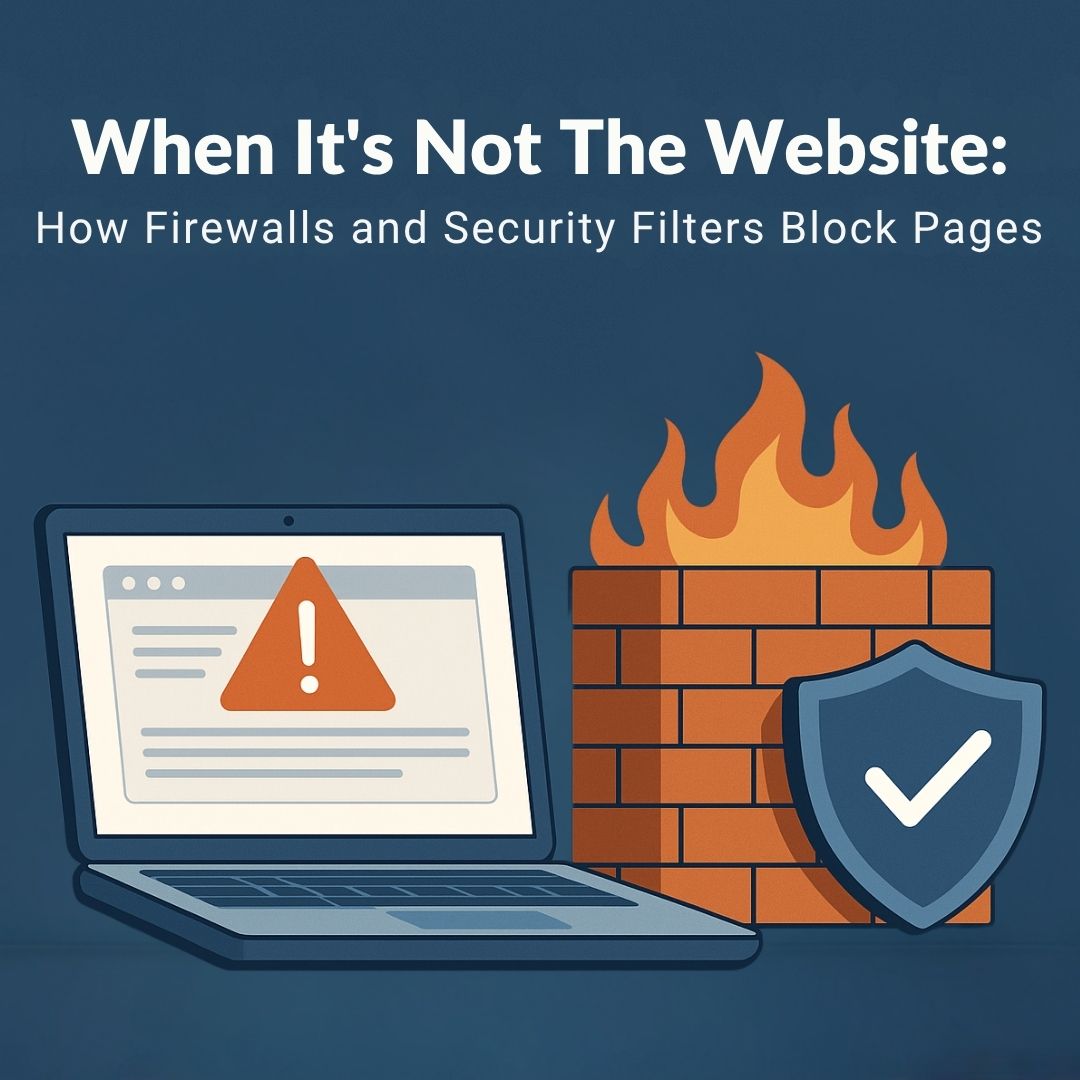
Have you ever tried to visit a website only to see an error message saying, “This page has been blocked”? Many people assume the site itself is broken or offline. But often, the problem isn’t the website at all; it’s your firewall or security filter doing exactly what it was designed to do: protect you.
What Firewalls and Security Filters Do
Think of a firewall as the security guard standing at the door of your business’s network. Its job is to keep harmful content from slipping in. Security filters take things a step further by scanning sites, links, and downloads to block anything that could spread malware, steal data, or expose your business to risk.
These tools aren’t just for large corporations. Small businesses, local governments, and financial organizations rely on them daily to keep their employees and sensitive data safe.
Common Reasons Business Websites Get Blocked
Sometimes the filters do their job a little too well. Here are a few common reasons why:
• Overly aggressive settings – Security policies may block anything unfamiliar.
• False positives – A safe website may be misclassified as a threat.
• Content filtering – Pages with ads, streaming media, or social media elements can trigger blocks.
• Compliance restrictions – Some filters block sites based on location, compliance rules, or categories like gambling or adult content.
Signs It’s a Security Filter and Not the Website
How can you tell if the issue lies with your security settings instead of the site itself? A few clues include:
• Block pages or warning banners that say, “Access Denied” or “This site has been restricted.”
• The website works fine on your phone’s mobile data but not on your office Wi-Fi.
• Other employees on the same network are also blocked.
• The site loads normally when tested on an outside connection.
Simple Steps to Troubleshoot
Before assuming the site is down, try these quick checks:
1. Switch networks – Open the site using your phone’s mobile data or a home Wi-Fi connection.
2. Test another device – See if coworkers have the same issue.
3. Check with IT – Your IT team can look at firewall logs to confirm if the page was blocked.
4. Use a site status tool – Free tools online to check whether a website is actually offline.
Why Businesses Need Strong Filters (Even If It’s Annoying)
It can feel frustrating when security filters get in the way of working. But these protections save businesses from serious damage. A single click on a malicious site could lead to:
• Costly ransomware attacks
• Stolen customer or financial data
• Regulatory compliance violations
• Downtime that halts productivity
Strong filters give you peace of mind. The occasional false positive is far less damaging than a full-scale cyberattack.
Firewalls and Filters are Here to Protect
Firewalls and filters aren’t the enemy; they’re your business’s silent guardians. Yes, they can sometimes block pages you need, but with the right setup and support, they can be fine-tuned to protect your business while keeping your workflow smooth.
If your employees are running into blocked websites or productivity hurdles, we’d love to help. Cross Link Consulting can review your security settings, adjust filters, and ensure your team stays protected and productive.
Serving faithfully across North Augusta, Aiken, Augusta, Columbia County, and Richmond County—let us be your trusted IT partner in keeping business technology safe and secure.