

TL;DR
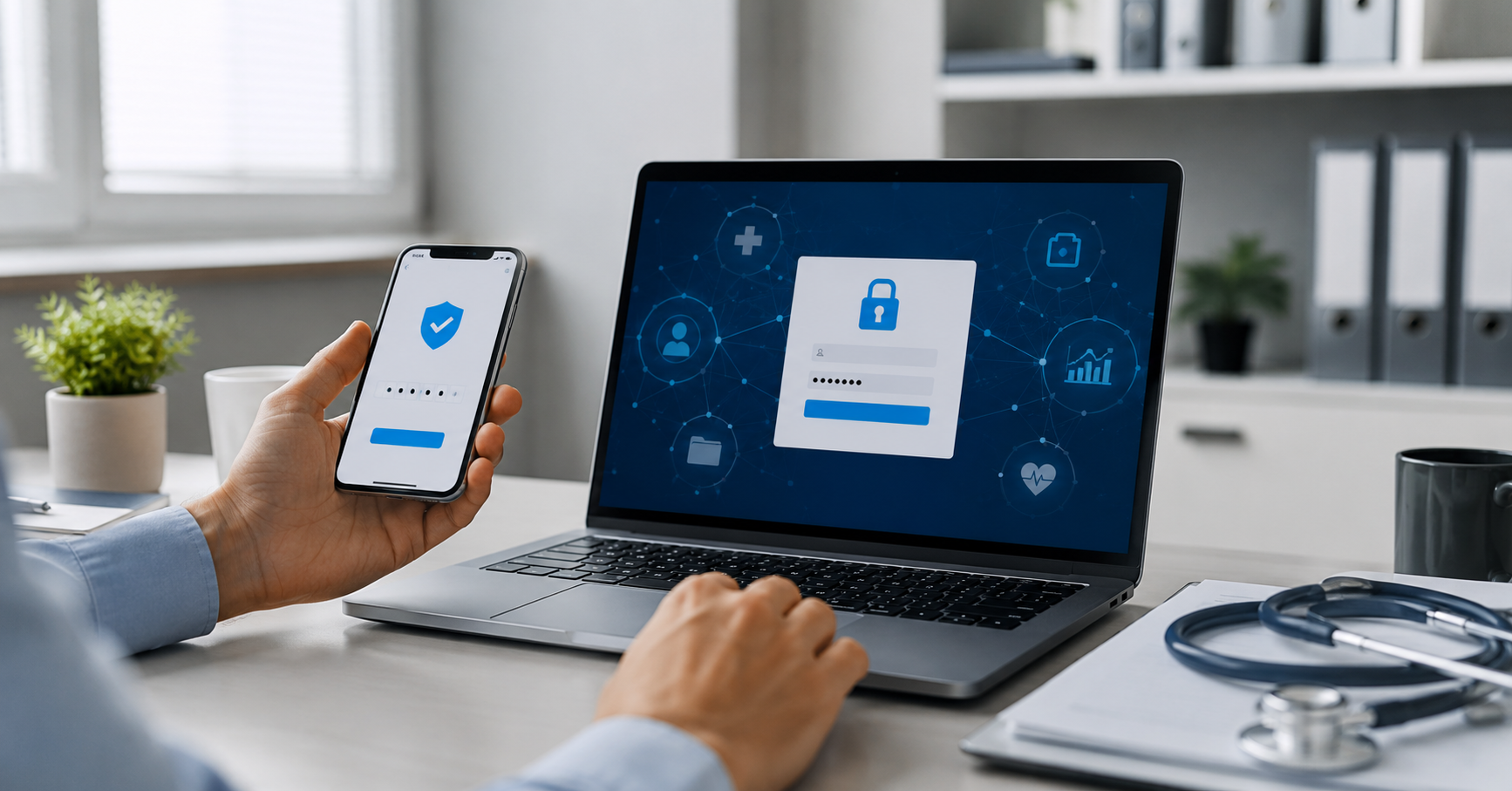
The Change Healthcare cyberattack shows why relying on a password alone is risky. Attackers reportedly used compromised credentials to access a system without multifactor authentication, leading to stolen healthcare data, major service disruptions, and long-term consequences.
MFA adds a second layer of protection and makes stolen passwords less useful. Businesses should enable it first for email, remote access, administrator accounts, financial systems, cloud storage, and backups. Strong passwords, secure recovery methods, tested backups, and employee awareness should support MFA.
Start by enabling MFA on one important account today, then ask your IT provider to review the organization’s broader access controls.
When One Password Is Not Enough
Imagine leaving the front door of your house wide open, locking the screen door, and calling it a day.
That is similar to relying on a single password in today’s digital world. A password may keep out some unwanted visitors, but it is still only one layer of protection. If that password is stolen, guessed, reused, or entered into a convincing phishing website, an attacker may be able to walk right in.
If you are anything like me, you may not have spent much time thinking about two-factor authentication, or 2FA. It can feel like another extra step standing between you and your favorite apps.
But the Change Healthcare cyberattack offers a serious reminder that one missing security step can create consequences far beyond a few seconds of inconvenience.
This article explains what happened, why multifactor authentication matters, and what individuals and small organizations can do to strengthen their digital security.
What Change Healthcare Does Behind the Scenes
Change Healthcare is not a hospital or a doctor’s office. It is a healthcare technology and payment-processing company that works behind the scenes with healthcare providers, insurance companies, pharmacies, and other organizations.
Its services support important workflows such as:
- Claims processing
- Healthcare payments
- Eligibility verification
- Pharmacy transactions
- Clinical information exchange
- Revenue-cycle management
Widely reported descriptions of the company have stated that Change Healthcare processed approximately 15 billion healthcare transactions each year and touched about one in three patient records in the United States.
Those figures can vary depending on how transactions and records are counted. UnitedHealth Group’s own April 2024 update stated that Change Healthcare payment processing represented approximately 6% of all payments in the U.S. healthcare system.
The exact measurement is less important than the overall lesson. Change Healthcare operated at a scale where an outage or cyberattack could affect patients, providers, pharmacies, and businesses across the country.
When a highly connected third-party provider is disrupted, the effects can spread far beyond the organization that was directly attacked.
What Happened in the Change Healthcare Attack
In February 2024, attackers breached Change Healthcare, disrupted healthcare payment and administrative services, and stole data. The incident was identified as a ransomware attack.
Public reporting and official statements described an initial entry point involving compromised credentials and a remote-access system that did not have multifactor authentication enabled.
That distinction matters. The attack was not necessarily the result of a futuristic or highly unusual technical exploit. A username and password were reportedly enough to open a path into an important system because another layer of verification was missing.
Once inside, the attackers moved through the environment, stole data, and disrupted systems used by healthcare organizations nationwide.
UnitedHealth Group reported that a threat actor claimed to have stolen data and that the company paid a ransom. The payment did not erase the consequences. The company continued investigating the data involved, restoring services, communicating with affected organizations, and managing the operational and legal effects of the attack.
The U.S. Department of Health and Human Services later reported that Change Healthcare notified the Office for Civil Rights that approximately 192.7 million individuals had been impacted as of July 31, 2025.
That number developed over time as the company reviewed files and worked through notification responsibilities. It is best understood as the reported impact estimate, not as an indication that every person received a notification at the same time.
The incident also created a long recovery process. Healthcare providers had to work through payment delays, claims disruptions, alternate submission methods, and questions about whether patient information was involved.
The consequences of a cyberattack do not end when the attacker is removed. Organizations may spend months or years restoring systems, investigating the incident, notifying people, responding to legal claims, and rebuilding trust.
Why This Matters to Ordinary People and Small Businesses
It is easy to think, “Who would want to hack my personal email or social media account?”
The reality is that ordinary accounts can contain valuable information. Your email may include:
- Password-reset links
- Financial documents
- Private conversations
- Customer information
- Business records
- Tax documents
- Access to other online services
A compromised email account can become a launch point for identity theft, financial fraud, impersonation, or additional account takeovers.
A compromised social media account can damage your reputation, send scams to your contacts, or lock you out of an account that took years to build.
For a small business, one compromised account can affect:
- Payroll
- Banking
- Customer records
- Microsoft 365 files
- Vendor relationships
- Business operations
- The organization’s reputation
Consider a local medical practice with a billing employee who works remotely. If that employee’s remote-access password is stolen and multifactor authentication is not required, an attacker may be able to sign in without facing an additional verification step.
From there, the attacker might try to access billing information, impersonate staff, steal data, or use the account to move deeper into the organization’s systems.
The Change Healthcare attack involved a large healthcare organization, but the security principle applies everywhere. A business does not need to be famous to become a target. Attackers often look for exposed accounts, weak passwords, unprotected remote access, and easy opportunities to turn one successful login into a larger compromise.
How Multifactor Authentication Works
Multifactor authentication requires two or more different types of proof before an account is opened.
The factors generally fall into three categories:
- Something you know: A password or PIN
- Something you have: A security key, smartphone, or authenticator app
- Something you are: A fingerprint, facial scan, or other biometric characteristic
A password plus a second factor is safer than a password alone because a stolen password is not automatically enough to complete the login.
For example, an attacker may obtain your password through a phishing email. If MFA is enabled, the attacker may still need access to your authenticator app, security key, or biometric verification.
MFA is not perfect protection. Attackers may still use phishing, social engineering, stolen browser sessions, malicious applications, or other techniques to get around weak implementations.
Even so, MFA provides a much stronger starting point than a password alone.
Not all MFA methods provide the same level of protection. When available, phishing-resistant security keys and passkeys generally offer stronger protection than text-message codes. Authenticator apps can also provide useful security.
Text-message verification is often better than no second factor, but phone numbers can be targeted through SIM-swapping and other attacks. The right option depends on the service, the organization’s risk, and the devices available to users.
The Cybersecurity and Infrastructure Security Agency encourages organizations to use phishing-resistant MFA. When that is not immediately possible, number matching can be a stronger interim option than approving an unexplained push notification.
Where Should You Enable MFA First?
If you are starting from scratch, prioritize accounts that could cause the most damage if compromised.
1. Email and productivity accounts
Start with your primary email account, Microsoft 365, Google Workspace, and other productivity platforms.
Email is often connected to password resets, business documents, financial information, and communication with customers and vendors.
2. Remote-access and VPN tools
Remote-access systems can provide a direct path into business resources. These accounts should receive special attention, especially when employees or vendors connect from outside the office.
3. Administrator accounts
Administrative accounts can create users, change security settings, install software, and disable safeguards.
They should use strong authentication, separate credentials, limited access, and appropriate monitoring.
4. Financial and payroll applications
Banking, accounting, payroll, and payment-processing systems can lead to direct financial loss if compromised.
Use MFA wherever it is available, and create clear procedures for verifying payment or banking changes.
5. Cloud storage and business applications
Protect the applications that store customer information, patient information, financial records, contracts, and other sensitive files.
6. Backup platforms
Backups are essential for recovery, but they also need protection. If attackers can access or delete backups, recovering from ransomware or other incidents becomes much more difficult.
Do not overlook vendor and contractor accounts. A third party may have legitimate access to your systems, but that access still needs appropriate MFA, limited permissions, logging, and timely removal when the relationship ends.
Common MFA Mistakes to Avoid
Using one password everywhere
If one website is breached, attackers may try the same email address and password on banking, email, social media, and business systems.
Use unique passwords for important accounts. A reputable password manager can make this much easier.
Treating MFA as a complete security program
MFA is one layer of protection. Organizations still need:
- Secure and tested backups
- Timely software updates
- Endpoint protection
- Email security
- Least-privilege access
- Employee security awareness training
- Monitoring and alerting
- An incident response plan
MFA reduces the risk of account takeover, but it does not eliminate every form of cyber risk.
Approving unexpected MFA prompts
If you receive an MFA prompt that you did not initiate, deny it and report it.
Repeated login prompts may indicate that someone has your password and is trying to pressure you into approving access. This is sometimes called MFA fatigue.
Protecting regular users but ignoring administrators
Attackers often focus on accounts with greater access. Administrator accounts, emergency accounts, and executive accounts need especially strong controls.
Forgetting account recovery
A secure MFA deployment needs a documented way to replace a lost phone or security key without creating an easy bypass.
Organizations should plan how help-desk staff will verify identity, how recovery codes will be protected, and who can approve emergency access.
Assuming a small organization is not worth targeting
Attackers often target the easiest available path.
A smaller organization may have fewer security resources, but it may still hold valuable money, personal information, business credentials, or trusted relationships.
Security Is a Stewardship Responsibility
Cybersecurity is not only a technical issue. It is also a responsibility to protect the information, time, finances, and trust placed in our care.
A medical practice has a responsibility to treat patient information carefully. A small business has responsibilities to its customers, employees, and vendors. Individuals have a responsibility to protect their own accounts and avoid becoming an easy path into someone else’s systems.
That responsibility does not require everyone to become a cybersecurity expert. It does require a willingness to take practical steps, ask reasonable questions, and involve qualified help when a situation is beyond the organization’s experience.
Good security is not about pretending risk can be eliminated. It is about reducing avoidable risk and preparing to respond wisely when something goes wrong.
A Friendly Challenge
The next time you log into an important account, take a quick look at its security settings.
Ask yourself:
- Is multifactor authentication enabled?
- Is my password unique?
- Is my recovery email current?
- Is my recovery phone number correct?
- Are there active sessions or devices I do not recognize?
- Do I know how to recover the account if my phone is lost?
If you work with a local doctor’s office or small business, you might even ask, “Do you partner with a cybersecurity team to help protect our records?”
That question may feel awkward, but it is worth thinking about. Organizations that handle sensitive information should be able to explain, in general terms, how they protect it.
A trusted IT partner can help a small business evaluate MFA, account permissions, backups, endpoint protection, security awareness, and incident response.
Cross Link Consulting helps organizations make practical technology decisions that support peace of mind without turning every conversation into a sales pitch.
Start With One Account Today
The Change Healthcare attack shows how a security gap at one access point can grow into a problem affecting patients, providers, employees, and communities.
It also shows why simple security habits matter.
Start with your primary email account, administrator account, banking account, or another service that would create serious problems if someone else controlled it.
Enable the strongest available MFA option. Store the password securely. Confirm that your recovery process is ready before you need it. Then help a friend, family member, or local business owner do the same.
A few extra moments of preparation cannot guarantee that an account or organization will never be attacked. They can make unauthorized access harder, limit the damage from a stolen password, and give people a better chance to respond wisely.
That is a small but meaningful step toward responsible technology stewardship.
Humbly and Faithfully Serving Through Technology.