

When an Inbox Becomes a Source of Stress
Have you ever seen someone’s email inbox and wondered how they are not overwhelmed?
Some professionals seem to have complete control over their communication. They know what requires attention, they respond promptly, and they rarely appear stressed by the constant flow of messages.
Others open their inbox and immediately feel behind.
The difference is not usually intelligence, work ethic, or experience. More often, it comes down to having a system.
Email was designed to help people communicate. Unfortunately, many inboxes have evolved into a combination task list, filing cabinet, notification center, and project management system. When everything is mixed together, important work becomes harder to identify and mental clutter begins to accumulate.
That clutter affects more than productivity. It affects focus, decision-making, and even peace of mind throughout the workday.
Your Inbox Is Really a Workflow Management Tool
Most people think of email as communication. In reality, email often serves as the operational hub of a business.
Customer requests arrive through email. Vendor communications arrive through email. Approvals, invoices, contracts, project updates, support tickets, meeting invitations, and internal discussions often arrive through email as well.
Every message represents one of several things:
• Information that needs to be reviewed
• A task that needs to be completed
• A decision that needs to be made
• A conversation that requires a response
• A responsibility that needs follow up
This means an inbox is rarely just an inbox. It is a collection of open loops competing for attention.
When those items are not organized, prioritization becomes difficult. Important requests become buried beneath newsletters, notifications, and automated messages. The result is a reactive work environment instead of an intentional one.
The Real Business Cost of Inbox Overload
Many professionals think inbox clutter is simply an annoyance. In reality, it carries measurable costs.
The first cost is missed opportunities. A customer inquiry that sits unanswered for several days may result in lost revenue. A vendor communication may be overlooked. A project update may fail to reach the right person at the right time.
The second cost is wasted time. Consider how often people search for emails, attachments, approvals, or conversations. Those minutes add up quickly over weeks and months.
The third cost is decision fatigue. Every unread message represents another item competing for mental attention. Even when you are not actively reading email, your brain knows those items are waiting.
Over time, inbox overload can create a constant feeling of unfinished work.
Many business leaders assume they need better productivity tools when what they actually need is a better communication structure.
How Inbox Organization Improves Leadership Effectiveness
Organization is not just a productivity habit. It is a leadership habit.
Leaders are responsible for making decisions, setting priorities, and helping teams move forward. When communication is scattered, leadership becomes more difficult.
A disorganized inbox often creates:
• Slower decision-making
• Delayed responses
• Reduced visibility into priorities
• Increased stress
• More frequent follow-up failures
By contrast, organized communication creates clarity.
When leaders can quickly locate information, identify priorities, and confidently manage commitments, they spend less time reacting and more time leading.
That clarity often extends beyond email and influences the entire organization.
Simple Practices That Create Immediate Improvement
The good news is that inbox organization does not require complicated software or extensive training.
The most effective improvements are often surprisingly simple.
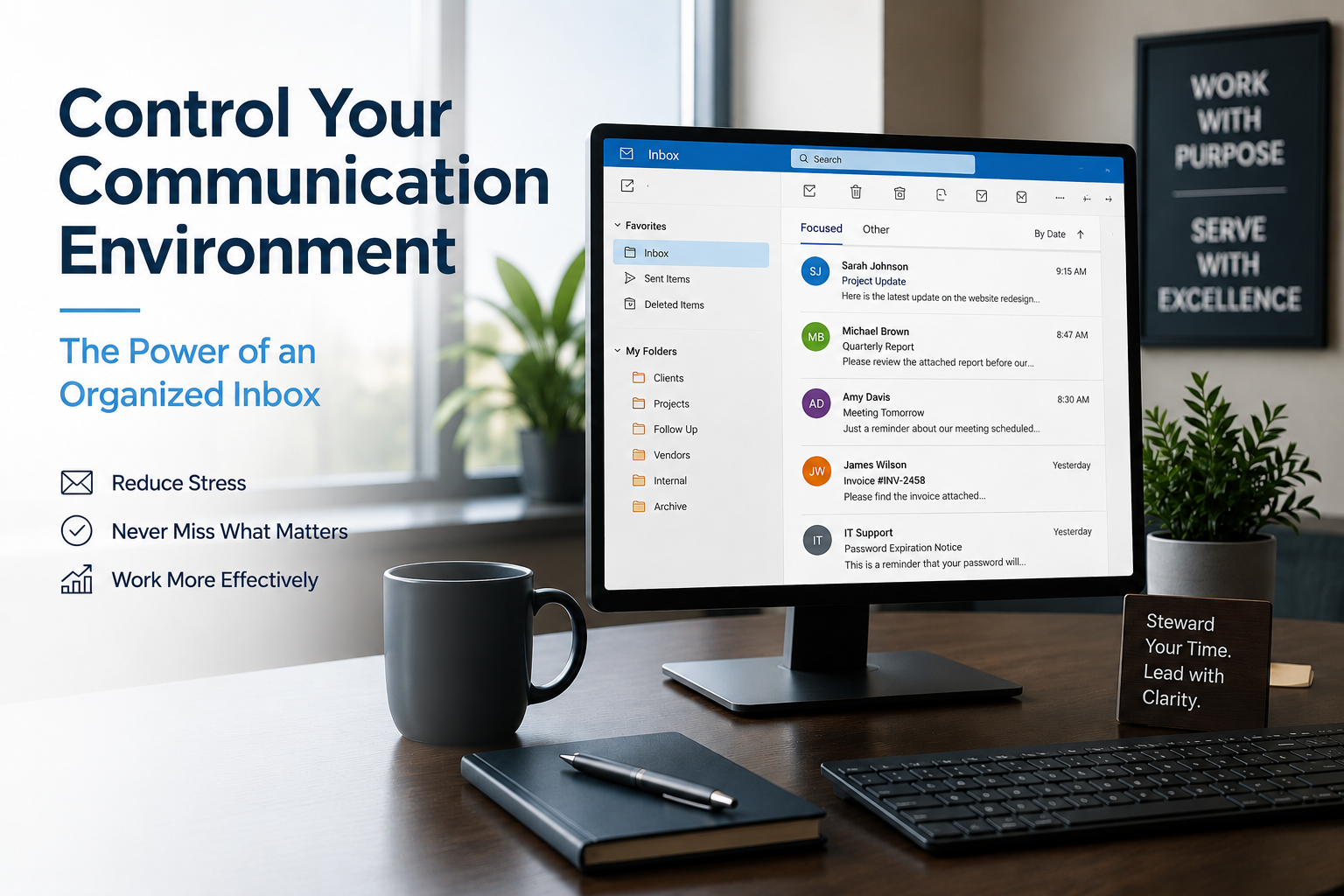
Start by creating a folder structure that reflects how you work. Organize communications by project, customer, department, vendor, or action status.
Next, archive completed conversations. Your inbox should contain active work, not years of historical records.
Consider using categories or labels to identify priority items quickly.
Most importantly, establish a consistent process. Organization is less about the specific system and more about consistently following it.
A simple system followed consistently is almost always more effective than a complicated system that is abandoned after two weeks.
Using Microsoft 365 and Outlook More Effectively
Many organizations already own tools that can dramatically improve inbox management.
Microsoft Outlook and Microsoft 365 include features such as:
• Rules and automated filtering
• Categories and labels
• Focused Inbox
• Search folders
• Flagged follow-up reminders
• Shared mailboxes for teams
These tools help separate important communications from routine notifications.
For example, newsletters can automatically move into a dedicated folder while customer communications remain visible in the primary inbox. Vendor notifications can be categorized automatically. Follow-up reminders can ensure important requests are not forgotten.
Small automations often produce significant long-term benefits.
A Real-World Example
Imagine two department managers who receive roughly the same number of emails each day.
The first manager allows everything to accumulate in a single inbox. Messages remain unread, completed conversations stay visible, and important items compete with low-priority notifications.
The second manager uses folders, categories, and a consistent review process. Important items are clearly visible. Completed conversations are archived. Follow-up tasks are tracked intentionally.
Neither manager works harder.
The difference is visibility.
The organized manager spends less time searching, less time worrying, and less time wondering whether something important was missed.
That confidence translates directly into improved productivity and better decision-making.
Control Your Communication Environment
Technology should support people, not overwhelm them.
An organized inbox creates a healthier communication environment. It reduces distractions, improves visibility, and allows you to focus on meaningful work.
At Cross Link Consulting, we often see organizations invest heavily in technology while overlooking the processes that help people use technology effectively. Inbox organization is a simple example of how small operational improvements can create meaningful business results.
The goal is not achieving an empty inbox every day.
The goal is creating a communication system that helps you stay organized, responsive, and focused on what matters most.
Stewardship of Your Time and Attention
Time is one of the most valuable resources any professional possesses.
Every unnecessary interruption, every lost email, and every avoidable search consumes time that could have been spent serving customers, supporting employees, or advancing important work.
Good inbox management is ultimately an act of stewardship. It is about responsibly managing the information and responsibilities that have been entrusted to you.
Small habits compound over time.
A few folders. A few rules. A consistent process.
Those simple disciplines can reduce mental clutter, improve productivity, and create a calmer workday.
For the sake of your own sanity, control your communication environment. Your inbox should be helping you move work forward, not creating additional stress along the way.
If you’re ever unsure or need more support, Cross Link Consulting is always here to help.