

Introduction
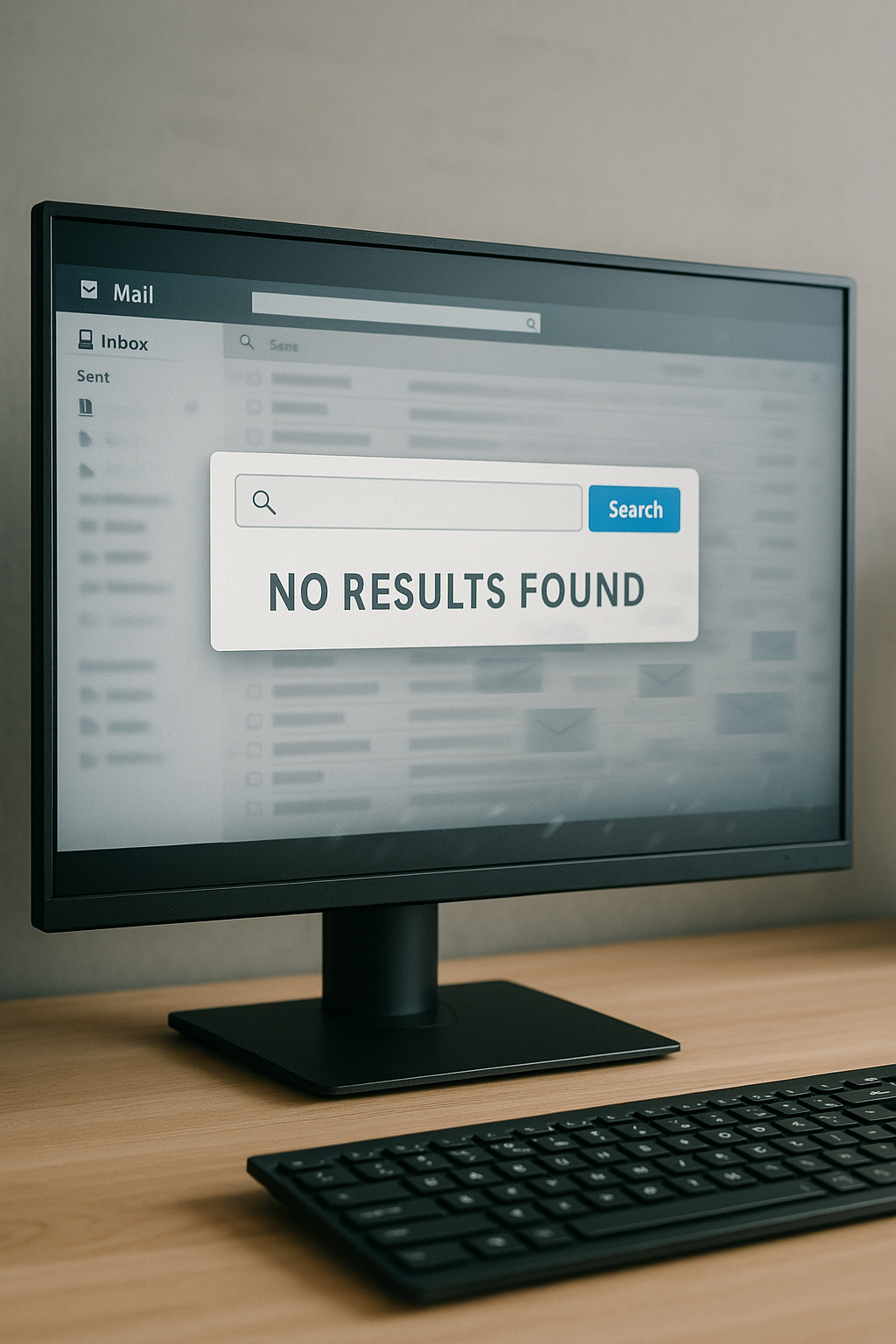
Have you ever searched for an important email only to find it missing? Whether it’s a client request, a bill reminder, or a message from your team, disappearing emails can cause real frustration. For businesses, the stakes are even higher—lost emails may mean missed opportunities, project delays, or even security concerns. The good news is that messages rarely vanish without explanation. By understanding the common causes and learning a few simple recovery steps, you can get your emails back and prevent it from happening again.
Common Reasons Emails Disappear
Here are some of the most common reasons emails seem to disappear:
• Filters and Rules: Emails may be automatically redirected to folders or marked as junk.
• Archiving: Email services like Outlook and Gmail sometimes auto-archive messages to keep your inbox clean.
• Accidental Deletion: Mistakes happen, especially on mobile devices where one wrong tap can delete a message.
• Sync Issues: Problems between your devices and email servers can cause emails to temporarily disappear.
• Email Security Tools: Third-party email protection software and Microsoft’s built-in security can sometimes misidentify safe messages as threats and remove them from the inbox
How to Find Missing Emails
If an email is missing, try these steps to locate it:
• Check your spam or junk folders.
• Use the search bar with keywords, sender names, or subject lines.
• Look in folders like ‘All Mail’ or ‘Archive’.
• Restore emails from Deleted or Trash folders before they’re permanently removed.
When Technology Gets in the Way
Sometimes, disappearing emails aren’t about user error. Sync and update issues between desktop, mobile, and cloud email accounts can cause emails to appear missing. Outdated email applications can also cause visibility problems. In some cases, even advanced email protection tools can get in the way by flagging harmless messages as malicious. Keeping your devices, apps, and security settings updated reduces the chances of running into these problems.
Steps to Prevent Future Issues
Here’s how you can reduce the chances of emails disappearing in the future:
• Review and adjust filters and rules regularly.
• Empty junk folders carefully—check for false positives first.
• Keep your email applications updated across all devices.
• For businesses, consider professional IT support to safeguard communication and minimize downtime.
Why This Matters for Businesses
When emails go missing in a business setting, the impact can be significant. Lost client communications can damage trust and credibility. Delays caused by missing emails may lead to missed deadlines or even compliance issues.
Conclusion
Emails don’t simply vanish without cause. Most of the time, filters, archiving, deletion, or sync issues are to blame. By understanding where to look and taking preventative steps, you can keep your inbox running smoothly. If you’re ever unsure or need more support, Cross Link Consulting is always here to help.