

The Productivity Problem Most Businesses Never Notice
When business leaders think about productivity improvements, they often focus on major investments.
New software platforms. Faster computers. Cloud migrations. Process improvements.
While those investments can certainly help, some of the most effective productivity gains come from much smaller changes.
One of those changes is something many employees use every day without giving it much thought: a second monitor.
At first glance, adding another screen may seem like a minor upgrade. However, when employees spend their day moving between spreadsheets, email, reports, accounting systems, and business applications, limited screen space can create a surprising amount of friction.
The result is a workday filled with interruptions, lost focus, and unnecessary frustration.
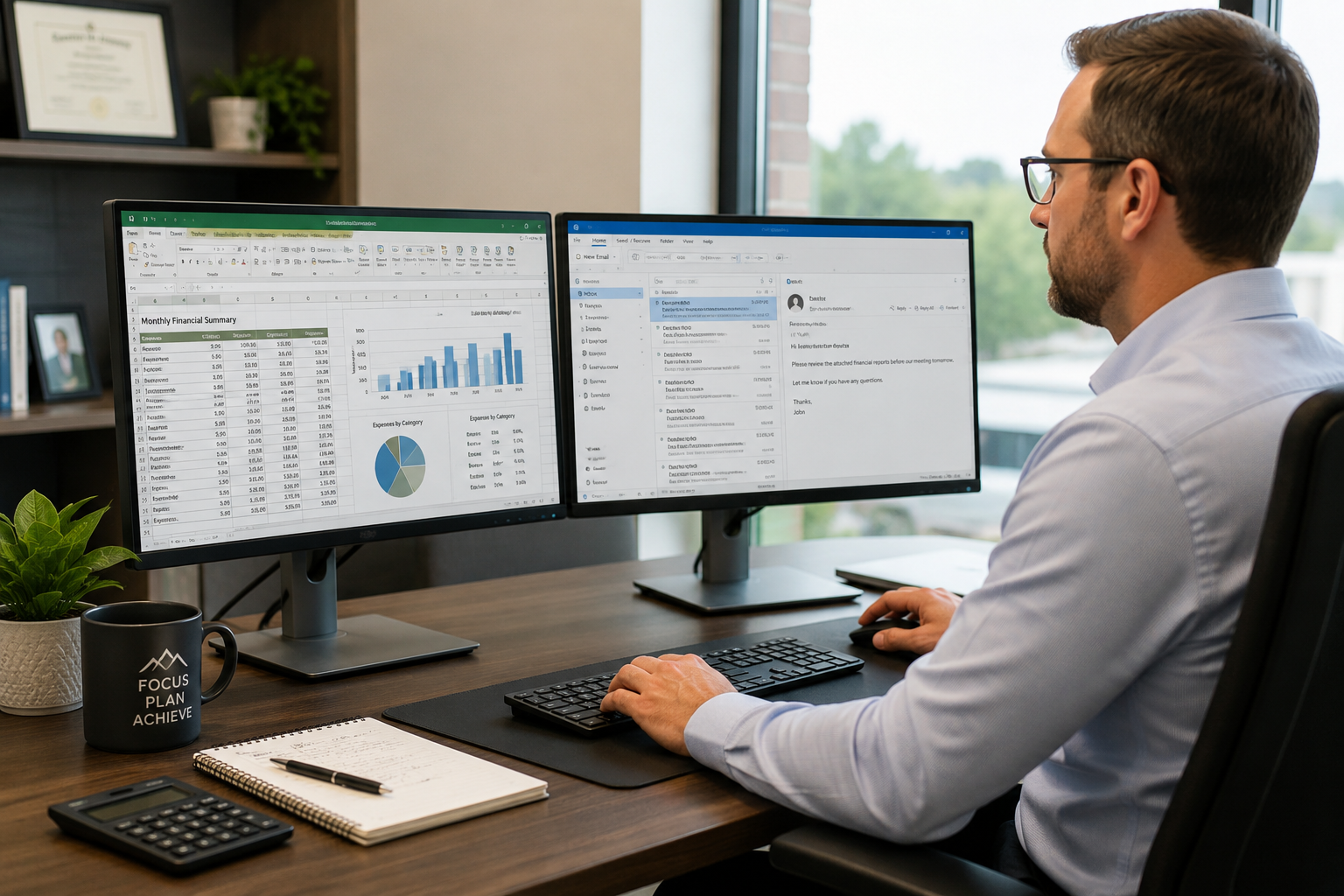
For many organizations, a dual-monitor setup is one of the simplest ways to help employees work more efficiently while improving their overall experience.
Why Screen Switching Slows People Down
Most employees do not realize how often they switch between applications.
It becomes second nature.
An employee reviews an email, opens a spreadsheet, checks information in another system, then returns to the original email. A few moments later, the process starts again.
Each interruption may only take a few seconds. The challenge is that these interruptions happen hundreds of times throughout the week.
Imagine trying to work at a desk that is too small for the paperwork you need. You could still get the job done, but you would spend much of your time moving documents around just to see what you need.
A single monitor often creates a similar experience.
Instead of focusing entirely on the task at hand, employees spend valuable time managing windows and applications.
Over time, those small interruptions add up.
Why Dual Monitors Make Such A Difference
A second monitor does not necessarily make employees work harder.
It simply allows them to work with fewer obstacles.
Rather than constantly switching between applications, employees can keep the information they need visible at the same time.
This allows them to:
- Compare documents side by side
- Reference information while entering data
- Monitor email without interrupting active work
- Review reports more efficiently
- Reduce unnecessary clicking and navigation
The improvement feels small at first.
However, when repeated throughout an entire workday, the impact becomes much more noticeable.
A Real-World Example From Accounting And Finance
Consider a CPA preparing month-end financial reports.
The accounting software is open. Supporting spreadsheets need to be reviewed. Bank records must be reconciled. Documentation may need to be referenced throughout the process.
With a single monitor, the CPA constantly moves between applications.
Information disappears behind other windows. Details become harder to compare. The process takes longer than necessary.
With dual monitors, the accounting software can remain visible on one screen while supporting information stays open on the other.
The workflow becomes more natural.
For accounting firms, financial advisors, bookkeepers, and finance departments, this simple change can make a meaningful difference over the course of a busy month.
Helping Administrative Teams Stay Organized
Administrative professionals often manage multiple responsibilities at the same time.
Emails need responses. Calendars require updates. Documents must be prepared. Customer information needs to be reviewed.
Now imagine an office administrator scheduling appointments while speaking with a client.
The calendar is open. An email needs to be referenced. Customer information must be updated.
With one monitor, that employee constantly moves between windows.
With two monitors, everything remains visible.
The conversation flows more smoothly. The work gets completed faster. The customer experience often improves as a result.
Better Visibility For Operations And Leadership Teams
Operations managers and department leaders frequently rely on multiple sources of information.
Project schedules, reporting dashboards, communication tools, budgeting systems, and customer information often need attention throughout the day.
A dual-monitor setup provides greater visibility into these systems without forcing employees to constantly switch between screens.
For example, an operations manager may review project performance on one monitor while communicating with team members on another.
The ability to see more information at once often leads to faster decisions and fewer overlooked details.
A Small Investment With A Meaningful Return
One reason dual monitors are so appealing is their affordability.
Unlike major technology projects, adding a second monitor typically requires a modest investment.
Yet the benefits are experienced every day.
If a second monitor saves an employee even a few minutes each day, those gains compound quickly over the course of a year.
More importantly, the investment does not just improve productivity.
It can also reduce frustration and make daily work more enjoyable.
Technology should help people do their jobs well. When technology creates unnecessary obstacles, even small improvements can have a significant impact.
Signs Your Team May Benefit From Dual Monitors
Many organizations already have employees who would benefit from additional screen space.
Common signs include:
- Frequent switching between applications
- Heavy spreadsheet usage
- Multiple business systems open at the same time
- Regular data entry responsibilities
- Project coordination across several platforms
- Employees requesting larger displays or additional monitors
- Workflow delays caused by navigating between windows
If these situations sound familiar, a second monitor may be worth considering.
Sometimes The Best Technology Upgrades Are The Simples
Many productivity improvements involve complex planning and significant investment.
Dual monitors are different.
They address a common challenge that affects employees every day. They reduce screen switching, improve visibility, and create a smoother workflow.
Most importantly, they remove small obstacles that quietly consume time and attention.
At Cross Link Consulting, we regularly help businesses identify practical technology improvements that support productivity, efficiency, and long-term success. As a Managed Service Provider serving organizations throughout the CSRA, we believe technology should empower people to do their best work, not stand in their way.
Sometimes the most valuable technology investment is not the most complicated one.
Sometimes it is simply giving your team enough room to work.
If you’re ever unsure or need support, Cross Link Consulting is always here to help.